You can hide your computer when its connected in LAN Network.For Windows 7 you can disable or switch off the Link-Layer Topology Discovery Responder of your network adapter which is for your computer to be discovered and located on the network.

Showing posts with label Networking tips tricks. Show all posts
Showing posts with label Networking tips tricks. Show all posts
Sunday, April 10, 2011

Friday, October 01, 2010
Tricks to Secure a Wireless Network from Hackers
The reason we secure a wireless network is to stop people from using the services of our network who don't have permission to utilize them. It is harder to secure a wireless network from hackers as compared to a classic wired network. This is due to the fact that a wireless network can be accessed anywhere inside the range of its antenna.
Monday, September 27, 2010
Tips to improve your Wireless internet and network connection
Sunday, August 01, 2010
INCREASE DOWNLOAD SPEED OF LAN TO MAXIMUM
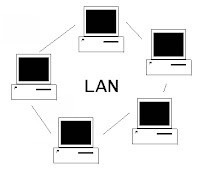
If you are experiencing of slow downloading speed of your LAN, then try this may be this works for you. Just follow given steps to get maximum LAN speed:
1). Open Control Manager.
2). Double click on Device Manager.
Sunday, May 16, 2010
Find the Remote IP Address
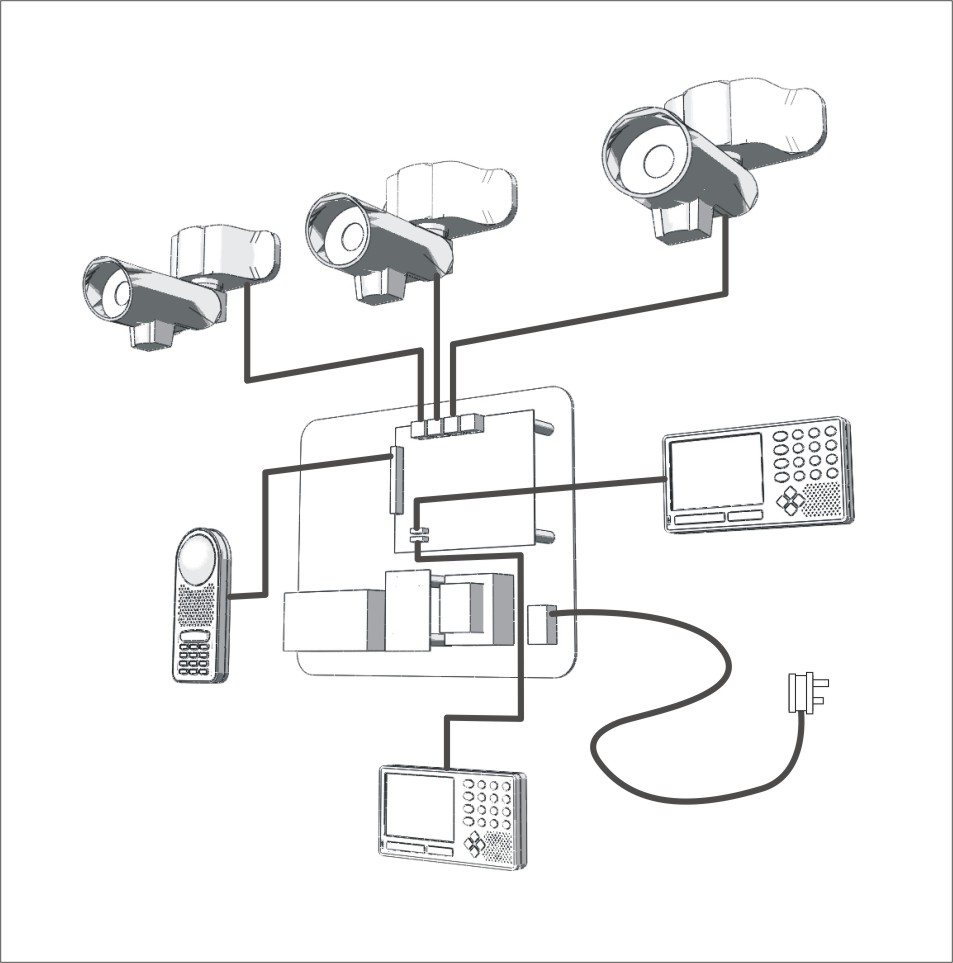
This is very intersting tip n trick for students specially..
There are four general methods for Finding out One's IP Address.
So, here we go...
Wednesday, March 17, 2010
Access the sharing data offline
Access the shared data offline allows you to keep using your shared files, folders and software programs when disconnected from the data server. When you reconnect to your data server, all files will be synchronized to the files on the network.
There are two types of configurations required to set the access shared folders offline available, one for data server and other for client computer.
Configuration on Data Server
First locate the folders that you would like to share or make new folders then share these folders so they can be accessible to any one on the network.
Subscribe to:
Posts (Atom)